Tag Archives: Term 2

Intro to Adobe Photoshop 2016

Welcome to our Adobe Photoshop unit! Photoshop is an incredibly powerful image creation and manipulation tool. Today we will get started by discovering the Photoshop workspace, and learning some basic selection methods. One of the keys to mastering Photoshop is using the selection tools to select portions of an image to manipulate. Let’s get started with some basic tools and techniques to select portions of an image.

Objective: I can effectively use a range of selection tools in Adobe Photoshop.


Video Links:
The Photoshop Workspace:
Select Part of an Image:
https://tv.adobe.com/watch/learn-photoshop-cs4/getting-started-04-selecting-portions-of-an-image/

Topics Discussed:
  • Arrange Windows (2UP vertical, 2UP horizontal)
  • Magic Wand Tool
  • Quick Select Tool
  • Move Tool
  • Select -> Similar
  • Select -> Inverse

Assignment:

Watch both of the videos for an overview of Photoshop’s capabilities and the Selection tools we will be using.

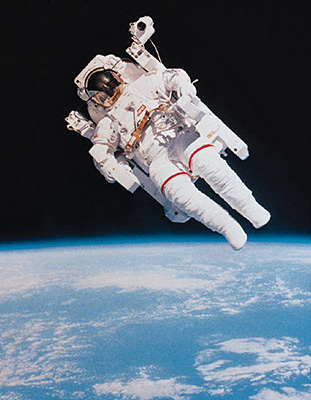
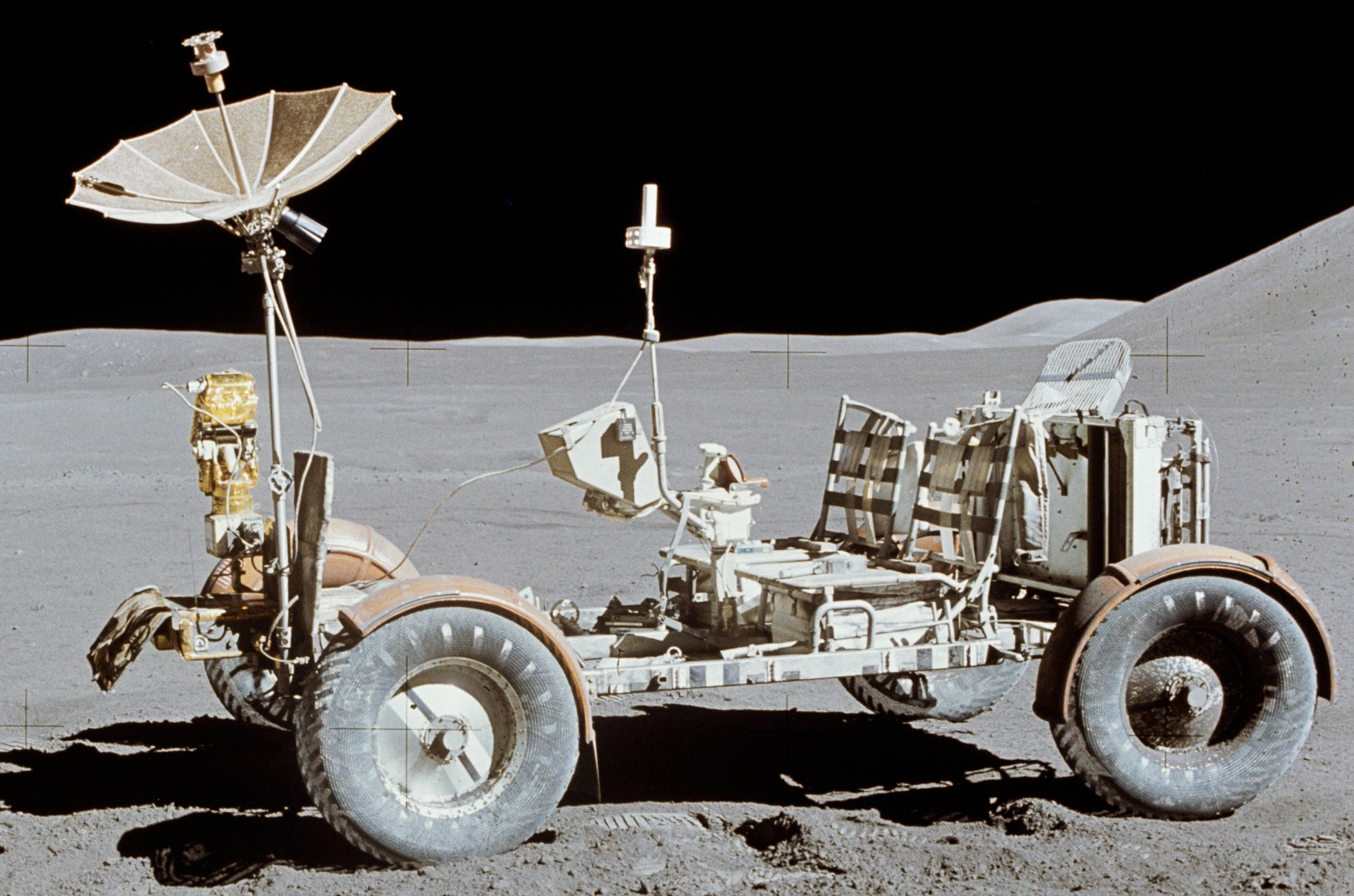
Using the tools and techniques demonstrated in the video and discussed in class, create a composite image using the Moon image (below) as a background and the Astronaut, Alien and the Cheese in the foreground.

Make sure each of the images has no traces of a white or black background. Name your layers appropriately. Save your file as “YOURNAME Moon Party.psd” and attach a copy to today’s assignment in our Google Classroom.

Images:
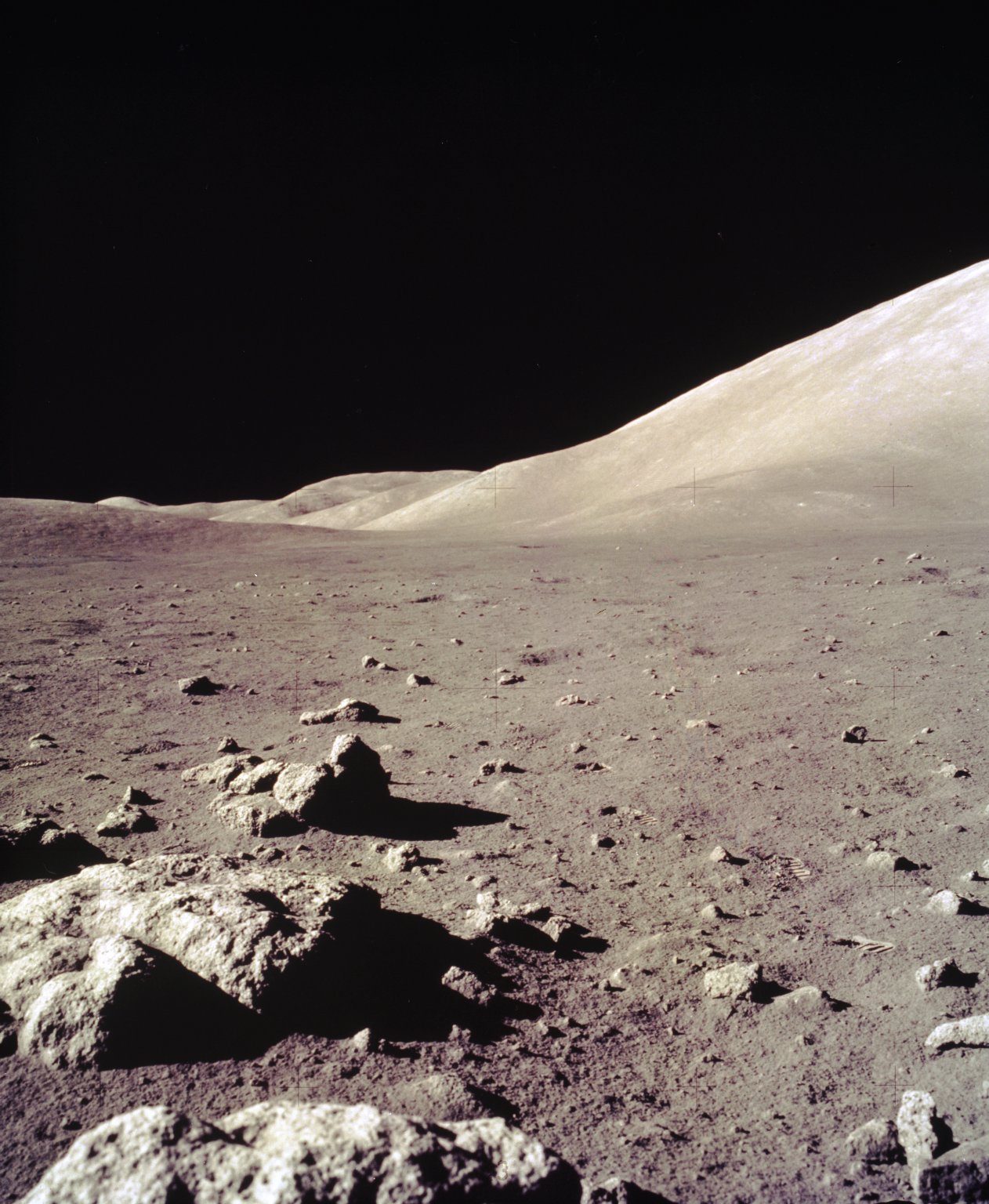
moon spaceman moonbuggy cheese alien


Assigned: October 17th, 2016
Teacher Pacing Due Date: October 19th, 2016

Fall 2015 – CGD1 Semester Exam

Objective:

  • I can demonstrate my understanding of Graphic Design Principles and Adobe InDesign and Photoshop basics through a summative quiz.

Links:

D2SC Website: https://puhsd.d2sc.com/

Topics Discussed:

  • Computer Graphic Design
  • Principles of Design
  • Adobe Photoshop
  • Adobe InDesign

Assignment:

  1. Click the D2SC link to connect to the online testing website. Log in with your student number as both the username and the password.
  2. Navigate to your Assignments and click the “CGD1 Semester Exam Fall 2015” assignment.
  3. The exam is all multiple choice.
  4. Please put away all notes, study guides and other materials before starting the quiz.
  5. Please close all other documents and webpages and do not open any new tabs or windows until after you have submitted the quiz.
  6. Please remain silent until everyone has completed the quiz.
  7. You have one hour to complete the test. Be sure to submit your test answers before the end of the class period today.
  8. Congratulations on completing the first half of Computer Graphic Design! I’ll see you in 2016 with more Graphic Design principles, new software and new ways to express your creativity using technology!


Have the Merriest of Christmases, the Happiest of New Years’, the Happiest of Hanukkahs, the most Peaceful of Kwanzaas – whatever you may celebrate, make it awesome!

Assigned: December 16th, 2015
Due Date: December 17th, 2015