Tag Archives: Illustrator

“You Toon” Animation Project, Part 1 – Brainstorming – Spring 2025

Objective:

I can brainstorm and sketch a character that I can draw in Illustrator and import into Animate to produce a short HTML5 animated sequence.

Topics Discussed:

  • For a complete list of Topics Discussed, please see the previous lessons.

Assignment:

  • Today, we are going to begin preparing for a more advanced animation project. You will develop your own original character that will be drawn in Illustrator, imported into Animate CC and converted to an armature that will be featured in an original short form animation.
  • Brainstorm! Think of your favorite cartoon characters, and use sites like Cartoon Network or Hanna Barbera for inspiration. Think of cartoon characters you loved when you were little, and try to think of what was so special about them.
  • Create a new Letter size (8.5 in x 11 in) Illustrator Web document, and use the text tools to answer the following questions about your character:
    – Who is this character?
    – What’s his/her/its name? What is he/she/it like? (Nice? Mean? Angry? Happy? Good? Bad? Somewhere in between?)
    – Where does he/she/it live?
    – What goals does this character have?
    – What is unique about this character? Does he/she/it have any quirky character traits? (i.e. talks funny, speaks only in rhyme, etc.)
    – Would you watch a cartoon starring this character? Why?
  • Using this brainstorming document as a guide, sketch out your character on a piece of paper. Don’t worry if you don’t think you can draw, just do your best to get a visual concept of your character. Repeat: don’t go overboard on the artwork – these should just be concept sketches.
  • Next week, we will be drawing these characters on another artboard in this Illustrator document, using the shape and color tools, with the intent of eventually taking these illustrations into Animate CC. What this means is that you should use simple shapes to make complex shapes, because these animate better – keep this in mind as you design your character!
  • Remember: We will be animating these characters in Animate CC, so your character must have at least one head, a main body, two arms and two legs. (No animated blobs, worms or snakes!)
  • Don’t steal! Your character should be completely original. You can use your favorite cartoon characters as inspiration, and borrow ideas and styles, but your character must be your own original creation! Don’t just turn in a sketch of “Purple Spongebob” or “Stewie Griffin with a mohawk”. Create something new!
  • Your brainstorm document and concept art is due at end of class on Tuesday, April 22nd.

Assigned: April 18th, 2025
Due Date: April 22nd, 2025
Intro to Typography – Typeface Choices 2025 (Hello, My Name Is…)

As a designer, good (or bad) design is all about the choices you make. One of the most important decisions you’ll make is what typefaces you will use to produce your headlines, subheadings and body text.   Strong typeface choices set the appropriate tone for your intended message, while inappropriate typeface choices send conflicting messages and can disrupt the message you intended to communicate.   Today we will practice making strong typeface choices.

Objective:

I can select the most appropriate typeface available for a given design scenario.

Vocabulary Words:

  • Type
  • Typeface
  • Font
  • Serif
  • Sans Serif
  • Script
  • Ornamental/Decorative/Display

Links:

None.

Topics Discussed:

  • Serif Fonts
  • Sans Serif Fonts
  • Script Fonts
  • Ornamental/Decorative/Display Fonts

Assignment:

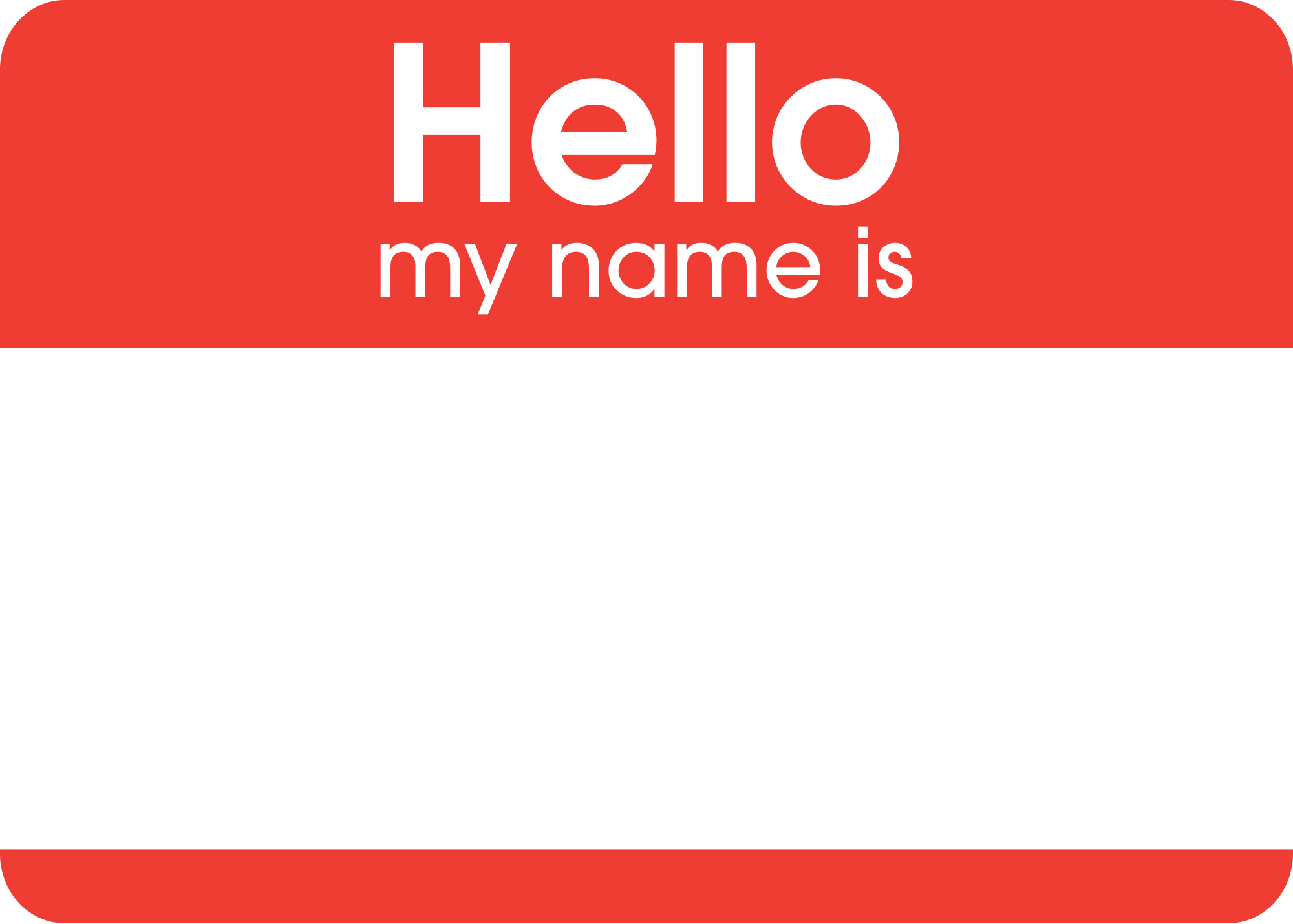
You’ve seen those “Hello! My Name Is…” badges, right?

2000px-Hello_my_name_is_sticker.svg

They’re pretty generic. They use generic fonts and simple design to make them easy for anybody to recognize and use. What if we could personalize a Hello badge to fit our own personalities? Today, we’re going to use what we’ve learned about Typefaces and the Principles of Design to redesign a Hello badge to reflect different aspects of our personalities. To do this, you will need to make important choices about how you arrange the page, what typefaces you would like to use, and what colors you would like to use to effectively communicate a message about who you are.

  • Create a new Illustrator Web document, with four artboards and landscape orientation (wide, not tall).
  • Take a few minutes to think of four words that describe you. For example, you  might use words like “student, artist, athlete, musician, gamer, superstar, etc.” This will work best if you think of your own, so try to think of four nouns that best represent you.
  • On each page, create a headline containing the words: “Hello” and “My name is”. Select a typeface and font size that makes these words easy to read, and make “Hello” slightly larger than “My name is”.
  • In a single, very large headline, type your name. Select a font that is appropriate for your name, and try to make your name fill the page without going over the Artboard margins.
  • Finally, near the bottom of the page, type the words “and I am a _______.” Fill in the blank with one of the four descriptive nouns that you thought up for yourself.
  • Fill in the background with a color, by creating a rectangle the size of the entire page and placing it on a layer below your main text layer. Lock this layer to protect your background.
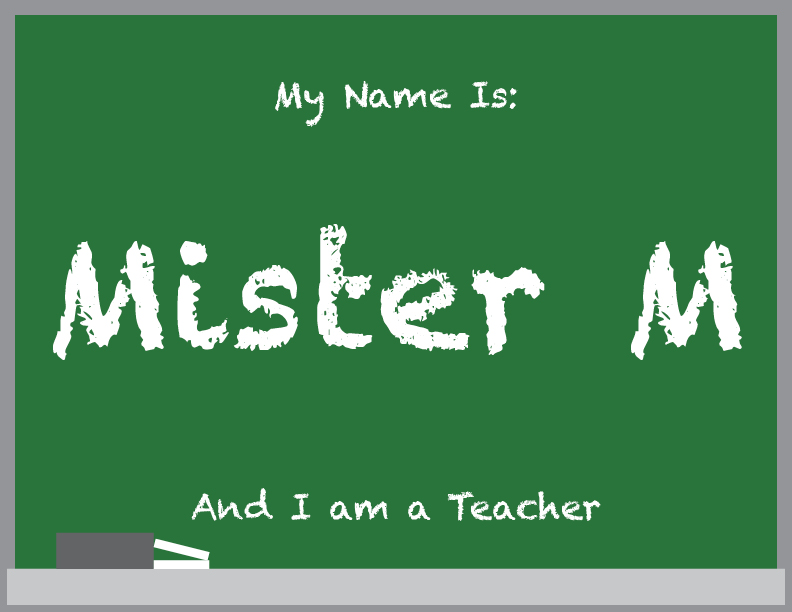
  • Your goal with this assignment is to choose typefaces and page design elements that look appropriate for the descriptive noun that you have chosen. For example, since I’m a teacher, I used a chalkboard font called “Chalkduster”, since chalkboards are commonly associated with teaching. I also changed the background color to a chalkboard green to give the idea of a chalkboard.
mmchalkboard
  • Add any graphics or drawings that you would like to include to make your design more visually appealing. For example, I added the grey rectangle and the thin white rectangles on the bottom of the page to represent a chalkboard eraser and two pieces of chalk.
  • Repeat this process on the remaining three Artboards for the remaining three words you have chosen. At least one of the Artboards should use the custom typeface that you created yesterday on the Calligraphr website.
  • When you have all four Artboards finished, save the document as “Your name – Typeface Choices”, and upload the Illustrator document to the Google Classroom assignment post by the end of the day on Thursday, March 6th.

Assigned: March 4th, 2025
Due Date: March 6th, 2025